> For the complete documentation index, see [llms.txt](https://docs.nolimithost.cc/llms.txt). Markdown versions of documentation pages are available by appending `.md` to page URLs; this page is available as [Markdown](https://docs.nolimithost.cc/vps-vds/how-do-i-purchase-a-vps.md).
# How do i purchase a VPS?
Head into our [VPS Section ](https://nolimithost.cc/vps-hosting.html)and select what suits you best or whats most popular.
Once you've made your selection, you will be redirected to our billing panel.
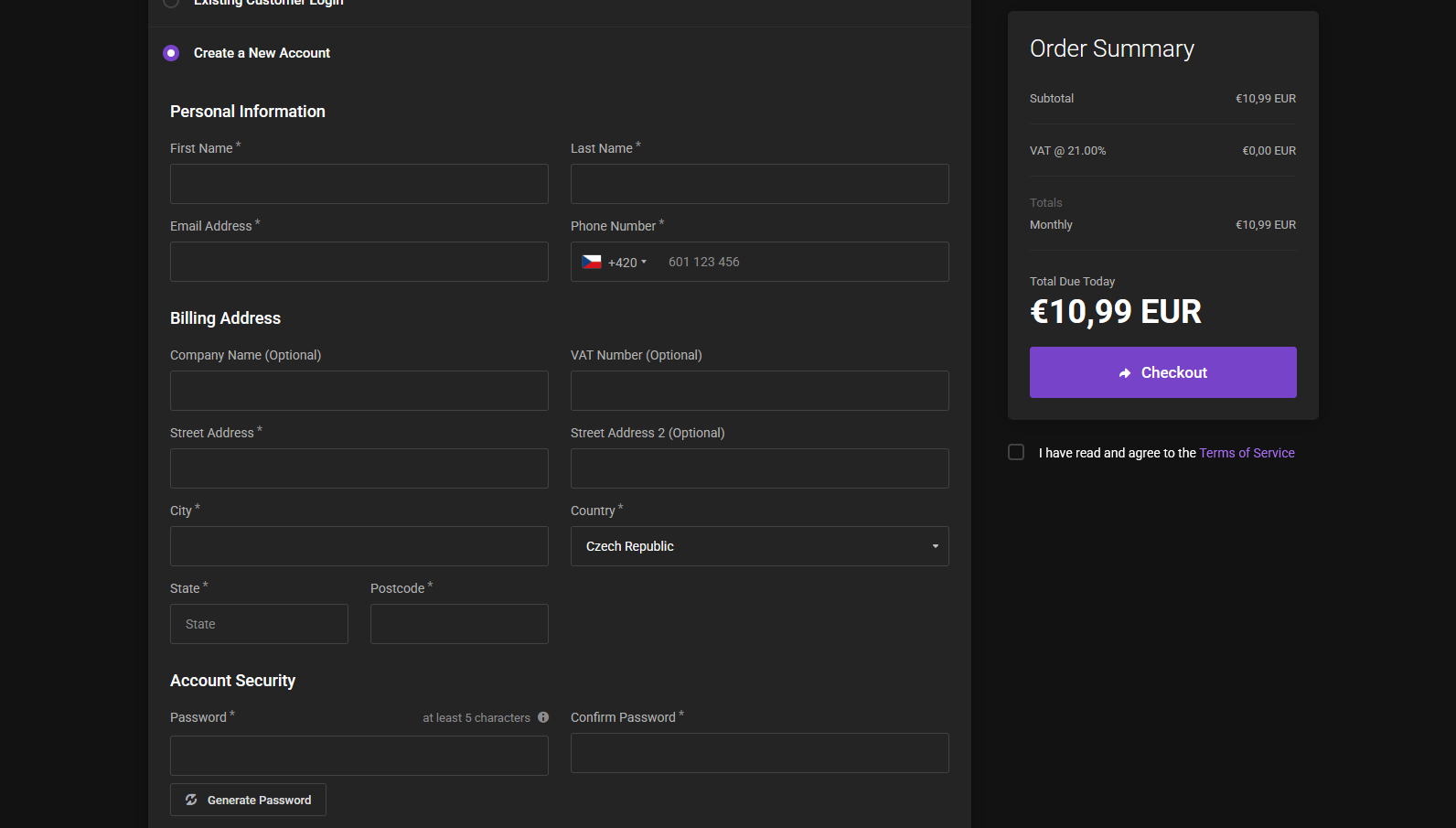
If you don't already have an account with Nolimithost, you can easily create one
Select your payment method, proceed to checkout, and you're done!
{% content-ref url="/pages/1P9UxVcbbz5Ktr94Y1X1" %}
[How do I setup my VPS?](/vps-vds/how-do-i-setup-my-vps.md)
{% endcontent-ref %}
{% hint style="info" %}
If you require assistance, don't hesitate to reach out to our support team at [NolimitHost Support](https://billing.nolimithost.cc/submitticket.php).
{% endhint %}